A separate workspace for hotels and guest houses: rooms and rates, a live room calendar, bookings with deposits, online booking on your own website, front desk check-in and check-out, the guest bill, housekeeping and occupancy reports.
Synex Hotel Manager gives your hotel or guest house its own workspace — for the front desk, housekeeping and the owner.
Rooms and rates
Set up your rooms and room types, and price them as room only, bed & breakfast, half board or full board. Add season rates and weekend rates, and the right price is used automatically.
Live room calendar
See every room, every night, at a glance — who is in, who is arriving and what is free. It works on a tablet at the front desk.
Bookings and deposits
Take bookings with a deposit, and charge cancellation and no-show fees by your own rules. A room is never sold twice — even if two guests book the same room on your website at the same moment.
“Book a room” on your website
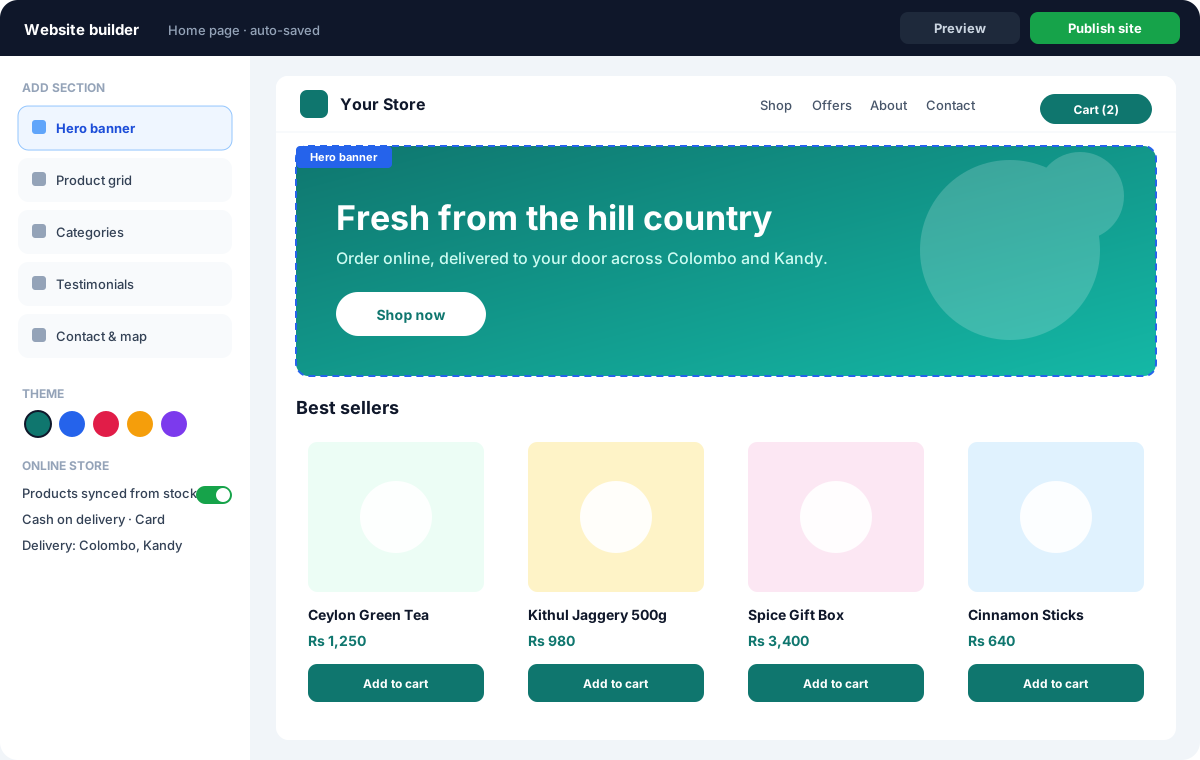
Guests can book directly on your hotel's own website. They see only the rooms that are free and their prices — never other guests' details.
Front desk
Today's arrivals, departures and in-house guests on one screen. Check guests in with their ID or passport and a printed registration card, and check them out with their guest bill settled.
The guest bill
Everything the guest uses goes on one bill: the room, minibar, laundry, transport, and restaurant or room-service bills charged to the room. Bill a company or travel agent for the room while the guest pays their own extras.
Housekeeping board
Every room moves from dirty to clean to inspected, and rooms can be marked out of order, so the front desk only gives out rooms that are ready.
Guest register
Keep the guest register needed for the police and immigration, filled from check-in.
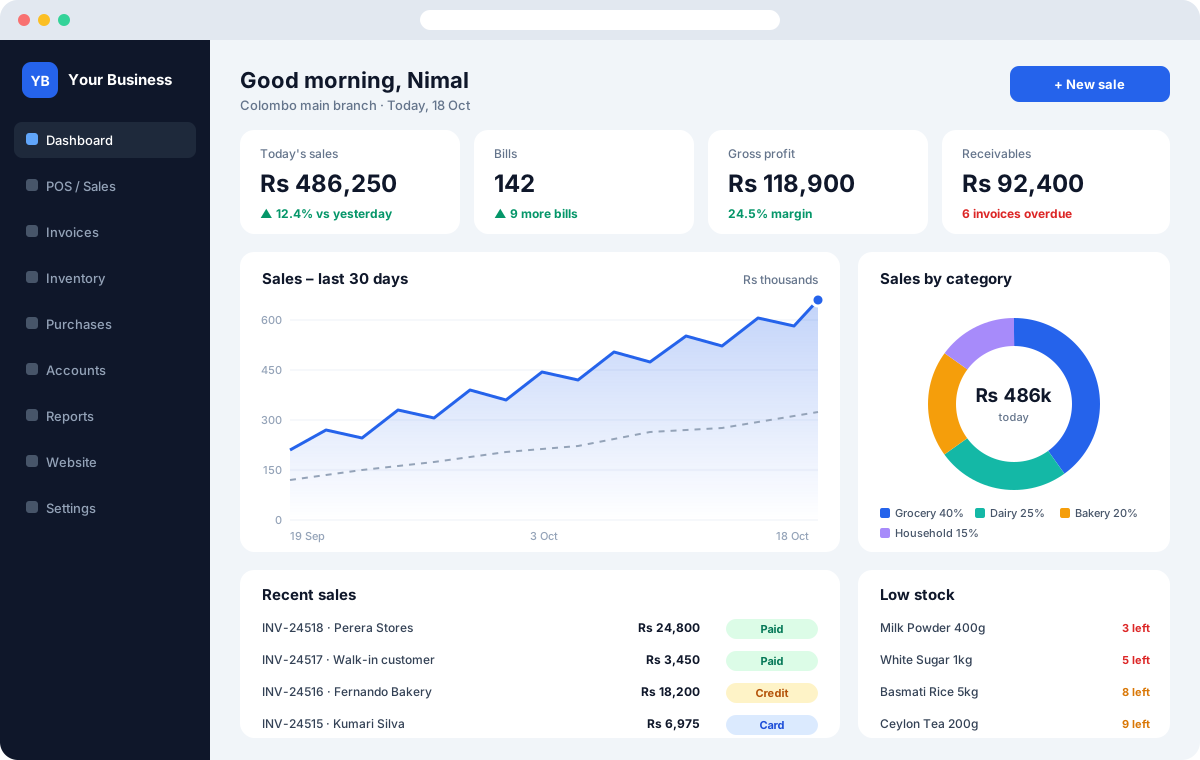
Dashboard and reports
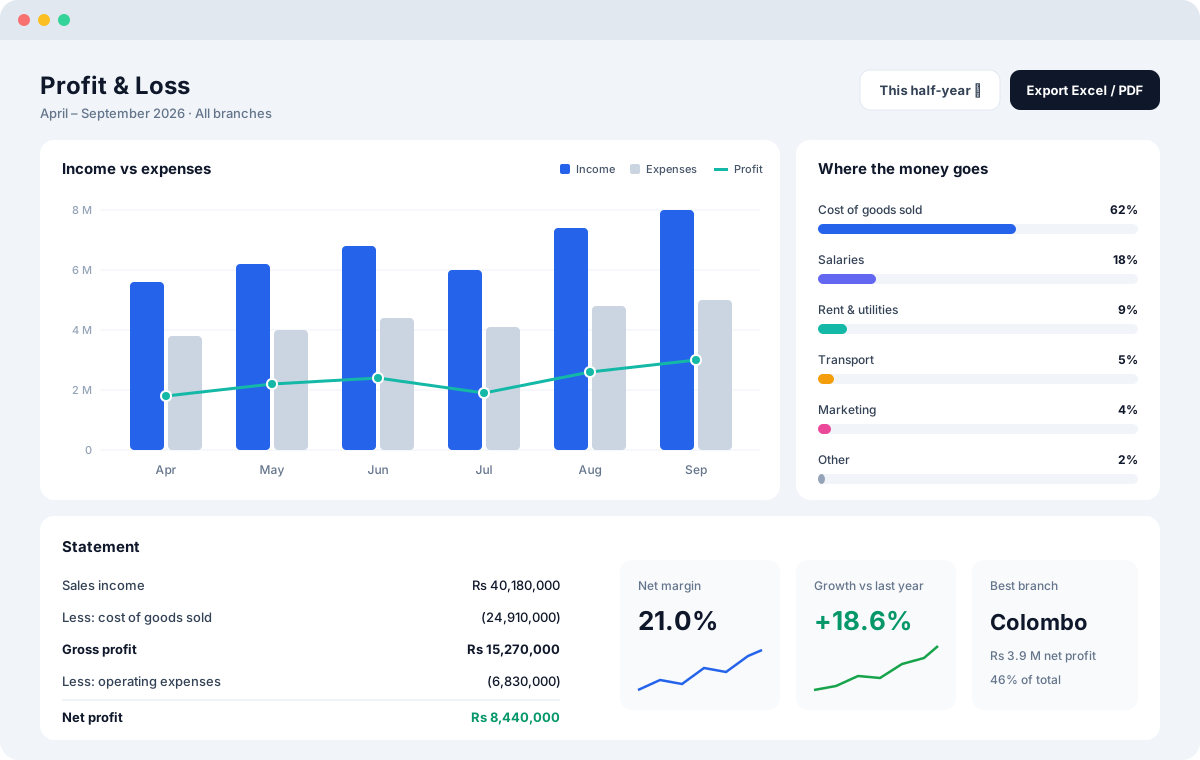
See occupancy, average daily rate (the average price each sold room earned) and revenue per available room (room income divided by all your rooms, sold or not).
Deposits in the books
Deposits are held correctly in your accounts as money owed to the guest until they stay, and applied to the guest bill at check-out.
Messages to guests
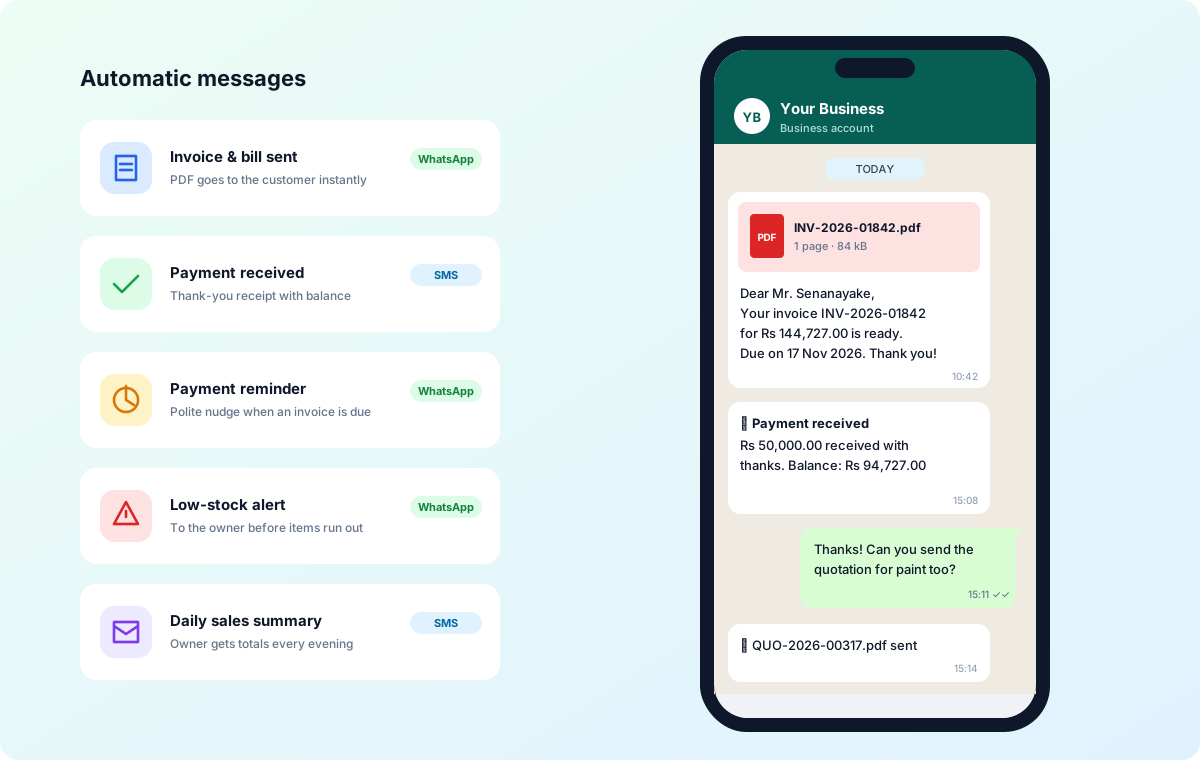
If you choose, guests get a booking confirmation, a reminder before arrival and a thank-you after their stay by WhatsApp (Synex WhatsApp business messaging) or SMS.
Your restaurant too
Hotel Manager works with Synex Restaurant Manager for the hotel's restaurant and room service.
Key Features
Benefits for Your Business
- No double bookings
- More direct bookings, fewer commissions
- A faster front desk
- Rooms ready on time
- Every extra charged to the bill
- Clear numbers on how the hotel is doing
Questions
Can a room be booked twice by mistake?
No. A room is never sold twice for the same night — even when two guests book the same room on your website at the same moment, only one booking goes through.
Can guests book a room on my own website?
Yes. “Book a room” on your hotel's website shows guests only the rooms that are free and their prices. Bookings arrive straight in your room calendar, with a deposit if you ask for one.
How are extras and restaurant bills charged?
Minibar, laundry, transport and restaurant or room-service bills go on the guest's bill for the room. At check-out the bill is settled in one step. A company or travel agent can pay for the room while the guest pays their own extras.
How are deposits, cancellations and no-shows handled?
Deposits are held in your books as money owed to the guest and applied to the bill at check-out. Cancellation and no-show fees follow your own rules and are posted to the accounts automatically.
Does it help housekeeping and the guest register?
Yes. The housekeeping board moves each room from dirty to clean to inspected, or out of order. The police and immigration guest register is filled from check-in with the guest's ID or passport.